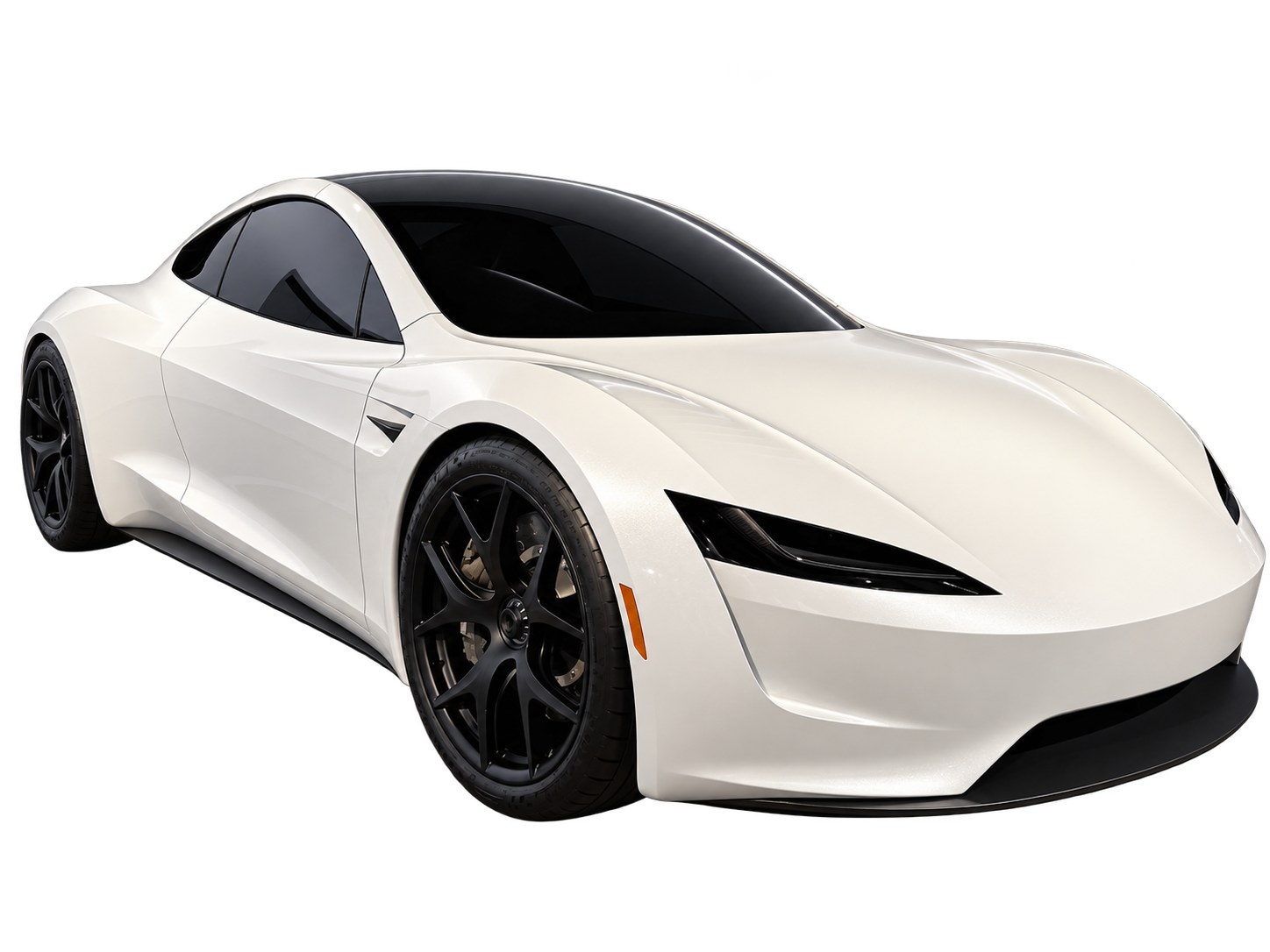
A futuristic car AI video becomes easier to understand when the setting explains why the vehicle is there. Decide what the place is for, how people would move through it and what the car is doing. Neon signs and towers can decorate that idea, but they cannot replace it.
Give the future a practical purpose
“A futuristic city” leaves nearly every visual decision unresolved. A waterfront arrival area, a residential rooftop or a quiet road through a dry landscape is more specific. Each place suggests different scale, surroundings and movement before you choose a colour palette.
Consider a fictional car arriving at a rooftop charging area. The audience needs to recognize the roof, the space where the car will stop and its approach. Filling the frame with many airborne vehicles might suggest a busy future, but it can hide the action you wanted to show. Let the location serve the shot.
A scene does not have to predict technology. It needs to explain its own visual rules. If vehicles hover, show where this one arrives or waits. If the road is empty, let that emptiness support a quiet journey rather than adding traffic only to make the background look expensive.
Choose what changes and what stays familiar
A recognizable present-day car in an unfamiliar setting gives viewers a useful reference. A completely invented vehicle can work too, but then familiar architecture or road markings may help explain its size. If every object is unfamiliar, the audience has more to decode before noticing the movement.
For a custom car scene, decide whether the future comes from the vehicle or the surroundings. A familiar coupe above a transformed waterfront tells a different story from a new vehicle design on an ordinary street. Keeping one part familiar can also make it easier to spot whether the generated car remains consistent.
You can start from text or add one optional reference image in Flying Car AI. Use the photo to guide a recognizable car or setting, not as a guarantee that every visible detail will survive a new angle.
Use light to separate the car from its background
A dark vehicle against dark buildings can disappear, even when the render is full of bright signs. Think about the edge of the car: is it distinguishable from what sits directly behind it? An illuminated skyline elsewhere in the image does not necessarily help that boundary.
Choose a dominant light direction. Morning light across the side of the body can make its shape readable; backlighting can emphasize a silhouette. A wet road can carry reflections, but it also adds visual detail you must inspect. None of these choices is automatically more cinematic than a simple daylight scene.
The current output is 480p. Check readability at the delivered size rather than imagining details that will only be clear on a large still image. Small badges, narrow trim and distant signs should not carry the explanation of the scene.
Design a vertical frame around a route
In a 9:16 clip, the vehicle's path matters more than the number of buildings you describe. Leave room for the route from its starting position to its ending position. If it rises, preserve space above it. If it crosses the frame, account for how quickly it could leave the narrow composition.
Foreground, subject and background can provide depth without a long camera move. A nearby roof edge, the approaching car and a distant shore offer three distances the viewer can read. Keep foreground objects from covering the important action; depth is useful only while the subject stays visible.
Describe the camera in ordinary terms you can evaluate: viewing from the roof, looking across the road, following behind the car. There is little value in specialist camera language if you cannot tell whether the output followed it.
Give a short scene one change worth watching
An attractive environment is not necessarily a video idea. Something should change: a vehicle arrives, clears a structure, passes into light or comes to rest. Select one of those events before extending the duration. Otherwise, the longer version may only repeat the same visual information.
As a planning exercise, divide an arrival into three observable moments: the destination becomes clear, the car approaches it, and the car settles into its final position. This is not a ready-made prompt or a request for three separate shots. It is a way to check whether a continuous scene has a beginning and an end.
Choose 5–30 seconds in the creator according to the movement. The exported MP4 is silent and watermark-free. Keep captions and audio separate so you can revise their timing without asking the model to generate lettering or synchronize a soundtrack.
Review the place as carefully as the car
- Read the setting: can a viewer identify where the car starts and where it finishes without a caption?
- Follow fixed structures: check that roof edges, roads and railings do not change shape when the vehicle passes.
- Inspect separation: look for body panels blending into buildings or reflections that obscure the car.
- Check the ending: the final image should show an arrival, departure or held position, not an accidental cutoff.
If the world is unclear, remove a layer of detail before adding another. A calm, legible location gives a viewer something concrete to remember. That is a stronger creative goal than making every surface glow.
A believability ladder for invented worlds
“Futuristic” fails because it asks every question at once. Replace it with a ladder: change one rung, leave the rest recognisable, and the audience fills in a world instead of squinting at effects.
- Infrastructure. Where do vehicles stop? A marked pad, a rooftop apron, a charged lane. Nothing dates a scene faster than an invented vehicle in an unchanged modern car park.
- Flow. In which direction does everything move, and does your car agree with it? Consistent flow lets a viewer predict the next second, which is what makes it feel designed.
- Scale. Give two objects whose real size is known — a door, a bollard, a road marking — so the vehicle's size is read rather than asserted.
- Wear. A world in use has scuffs, patched surfaces, mismatched signage and weather. Perfect surfaces read as a render; a little grime reads as a place.
- Palette last. Choose two dominant colours and one accent. Neon is a consequence of this list, not a substitute for it.
Promise yourself one rule about how the world differs from today, then obey it in every sentence. A single consistent impossibility is more convincing — and considerably cheaper to generate — than a dozen competing ones.
Lighting setups that survive 480p
Every rendered scene here ships as a 480p vertical file, so the lighting decisions that matter are the ones that still read when detail is lost. Judge each setup by whether the car separates from its background at small size:
- Side daylight. Sun across the flank makes the body's shape readable. The most reliable choice for a first attempt.
- Overcast soft light. Low contrast, forgiving with reflections, good for a slow hover. Watch that the car does not blend into pale concrete.
- Backlit dusk. Strong silhouette, dramatic separation, but the body loses identity — use it when the shape is what you want remembered.
- Wet nocturnal. Reflections add depth and cost legibility. Check that a reflection does not merge into the vehicle's lower panels.
- Mixed interior light. Hardest of all at this resolution. Every additional source is another chance for a contradictory shadow.
Whatever you choose, name one light source and one direction in the prompt. “Lit from camera left by low afternoon sun, single ground shadow” gives the model a constraint it can hold across thirty frames; “cinematic lighting” leaves thirty separate interpretations.
A futuristic scene written twice
Before: “Futuristic flying car in a cyberpunk city, neon everywhere.” After: “Dusk on a rooftop arrival deck above a wide river, marked landing pad with two worn guide lights. A single matte-grey hover car descends from frame top right, slows, and settles above the pad centre while the camera stays at eye level on the terrace rail. Reflections lengthen on wet concrete. No readable signage, no floating debris, no second vehicle in focus.”
Same idea, same ten seconds, one of them executable. Everything else in this guide collapses into that substitution: replace adjectives with objects, and replace every object with a decision about where it is.
Last reviewed
Editorial note: these are scene-planning recommendations, not results from a controlled model comparison. AI output varies. Flying Car AI is independent and is not affiliated with, endorsed by or sponsored by Tesla, Inc. or any vehicle manufacturer.